Prescribe
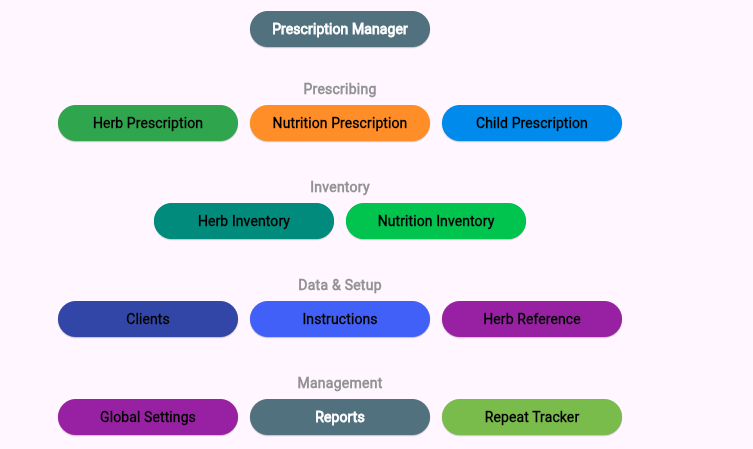
Move from dashboard to prescriptions quickly.
Cloud practice software
Prescription management software
Prescribe herbs and nutrition, manage inventory, track repeats, organise client data, print labels, and meet TGA prescription tracking requirements — in one simple workflow.
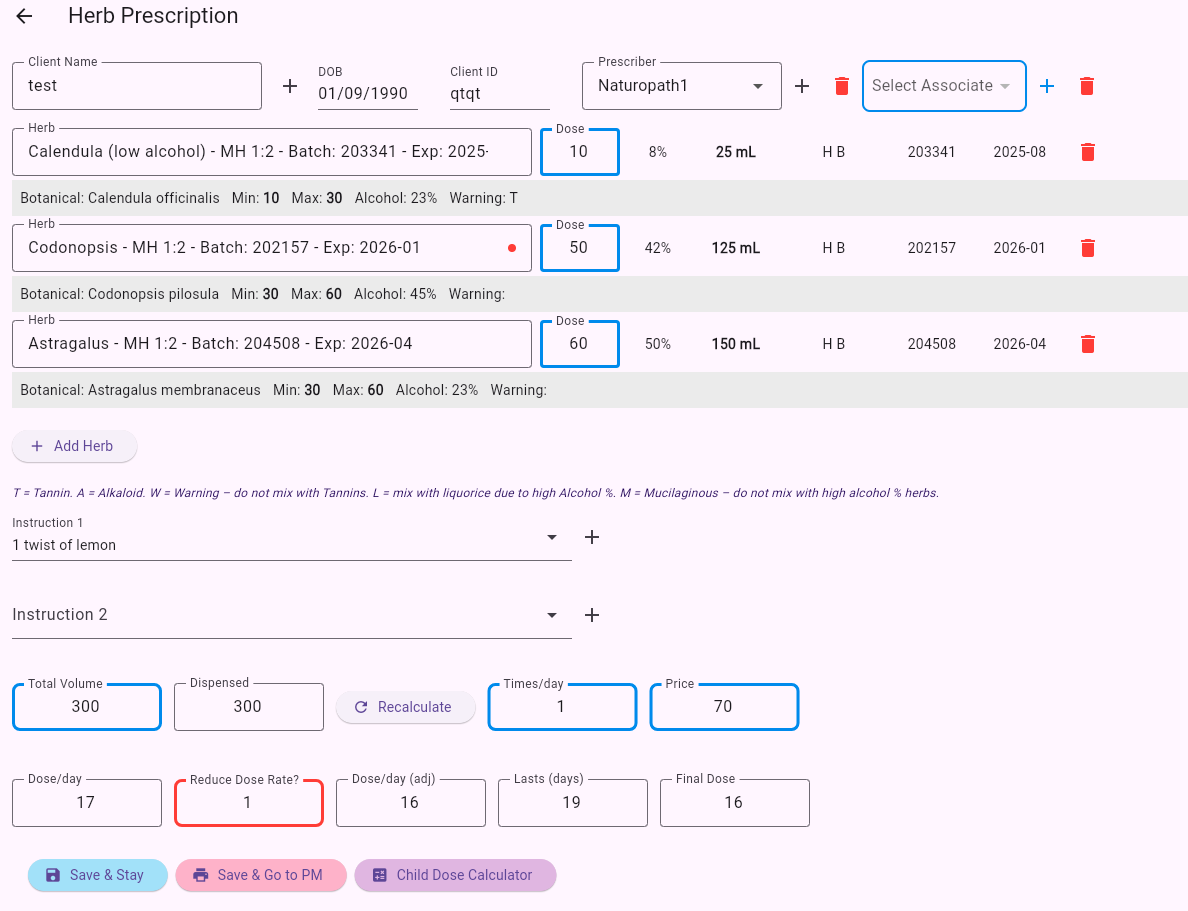
Move from dashboard to prescriptions quickly.
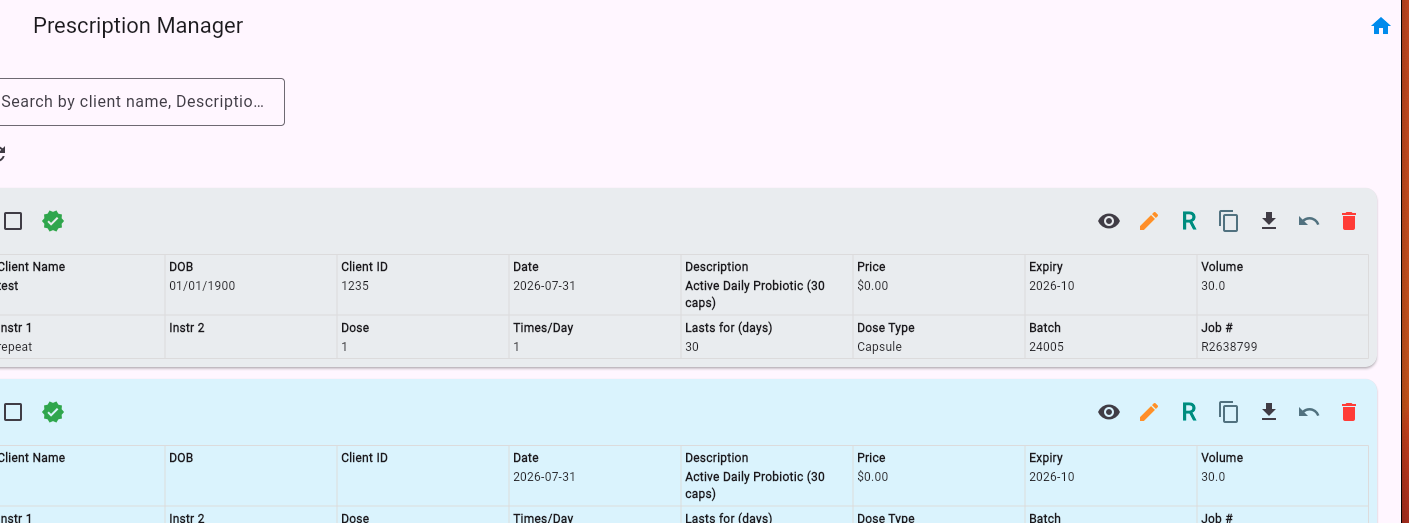
Preview, repeat, print, and copy prescriptions.
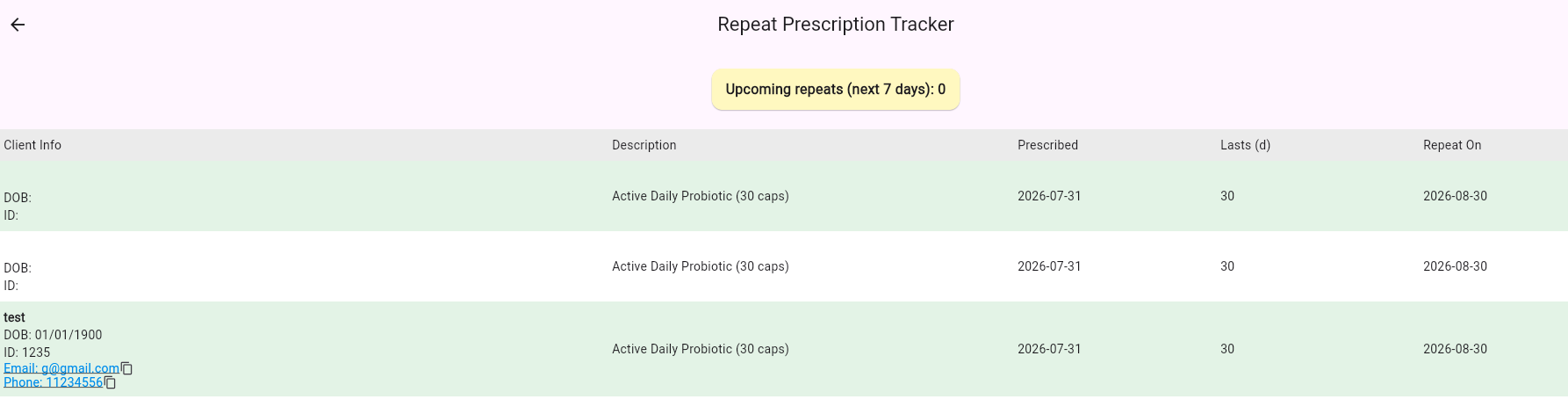
Keep repeat prescriptions visible and organised.
Features and guides
Payments
Send your practice details first so we can match the payment to the right practice and set up the correct user access.
Use the matching Square link after sending your setup details.
Use the matching PayPal link after sending your setup details.
Security
Total Prescription Management Cloud is designed around secure cloud sign-in, encrypted connections, practice-level access controls, administrator MFA, audit logging, platform encryption at rest, and 256-bit encrypted backup packages.
Encrypted transport: app traffic uses secure HTTPS/TLS connections to the cloud platform.
256-bit backup encryption: production backup packages are encrypted with AES-256 and verified during restore testing.
Practice isolation: role controls and practice scoping help prevent users from seeing data outside their authorised practice.
Admin protection: higher-risk accounts use MFA, and sensitive administration actions are audit logged.
Operational resilience: encrypted backups are stored in multiple locations and restored into a separate lab environment for testing.
Support
Contact Total Prescription Management support for onboarding, account recovery, billing, or help with prescription and archive workflows.